Complete Website Scanning
Welcome to CookieYes! This guide will walk you through how you can complete your website scanning to finish implementing a cookie banner on your website.
- To begin with, Sign up on CookieYes
- Follow the steps to create your cookie banner
- Add installation code using the Installation guides
After you have completed the steps above, head to the CookieYes Dashboard. You will see an email verification alert on the top of your Dashboard.
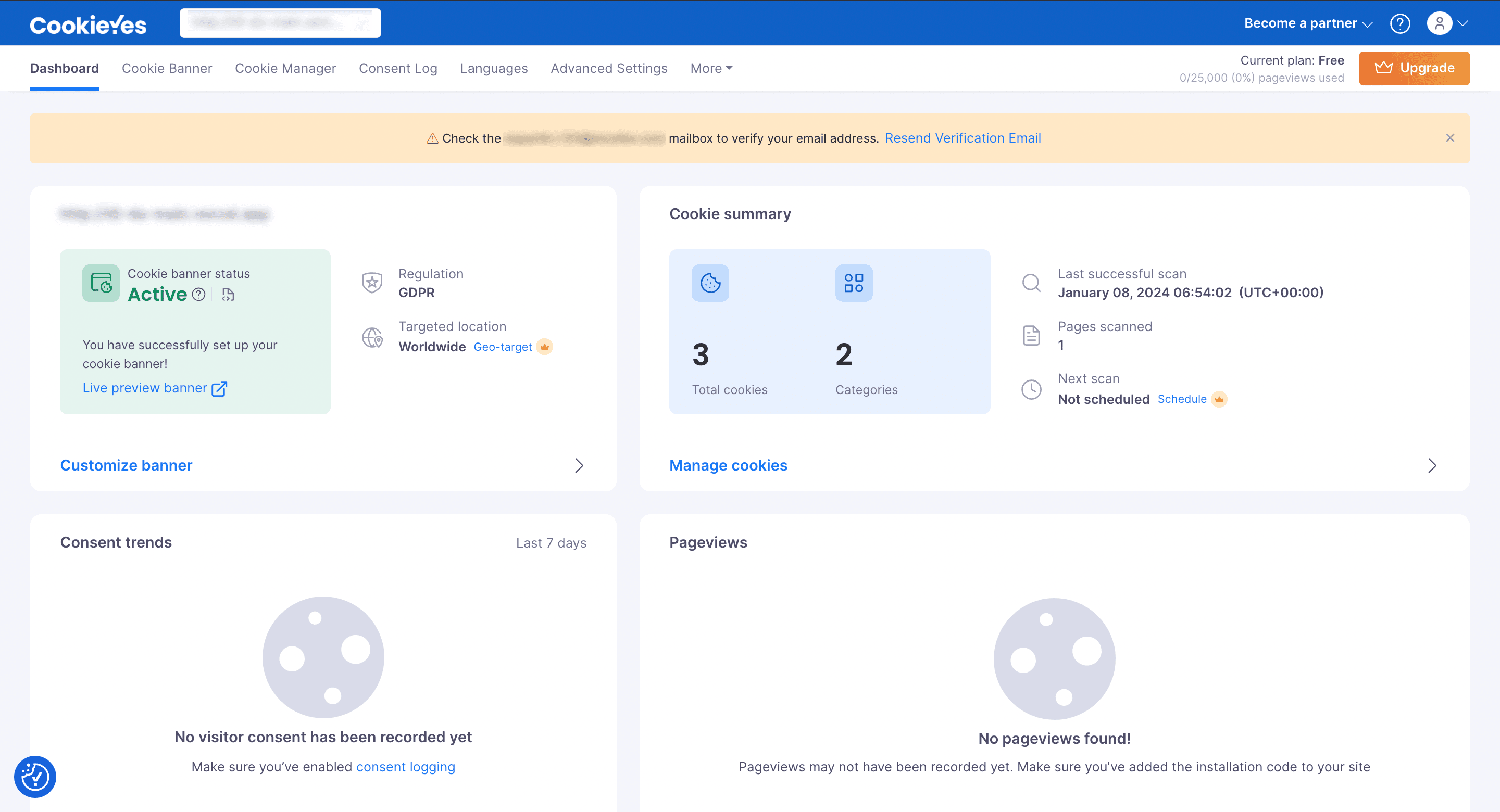
Step 1. Verify your email address
Note:
If you did not receive a verification email, then click on Resend Verification Email on the alert banner. You will receive the verification email from CookieYes. Please check the Spam folder if you don’t find it in your inbox.
Step 2. Scan your website
Note:
It may take a few minutes to a few hours to complete the scanning of your website. This depends on the number of pages to scan and the website speed.
Step 3. Check scan results
